Explore in 3D
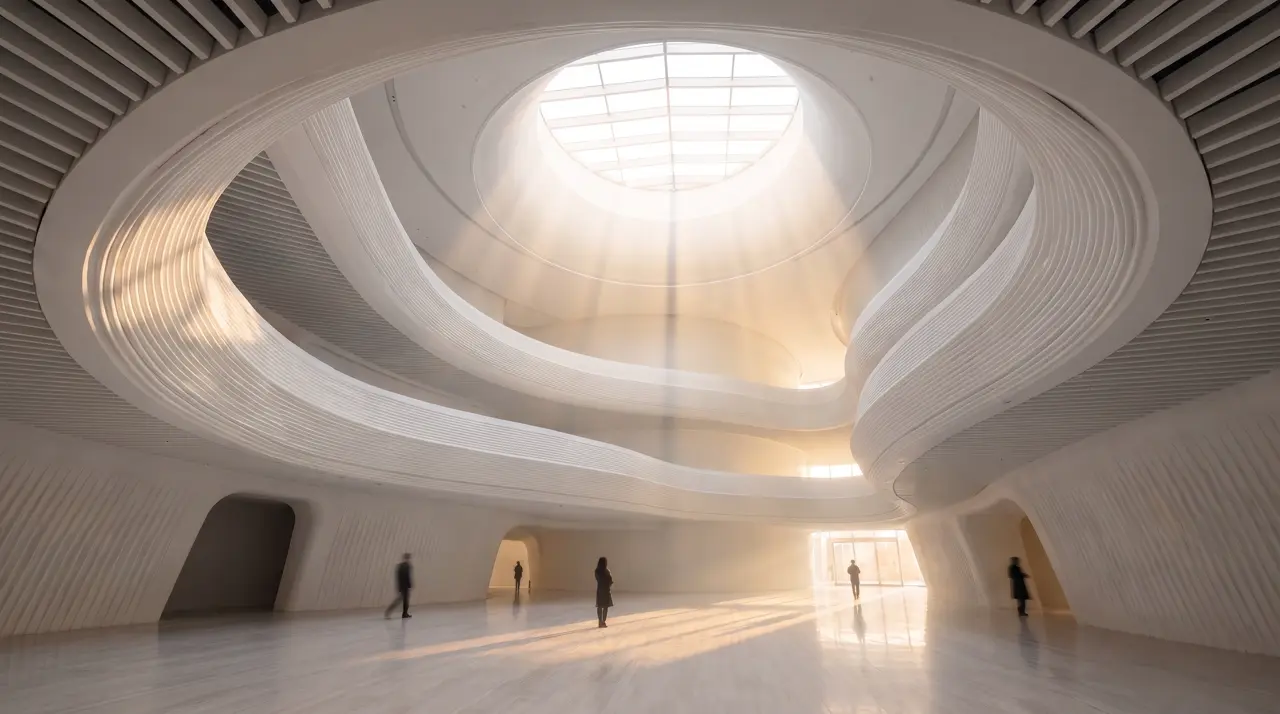
Interactive sample object. Drag to orbit; scroll to zoom. No account needed.
Move it. Turn it. See how it feels.
Place the sofa. Draw the walls. Find the angle that makes the room work. Explore the included scene, then build a composition you can render or export.
- 1Explore the sample scene
- 2Arrange objects and walls
- 3Render or export your design
Explore the included scene without generating. AI objects, photo-to-room and renders use credits.
Sign in to create · no subscription required
One result opens up the next idea.
Keep editing in 3D, export a GLB, or generate an image from the scene. Photo-to-room is also available.
Keep exploring
Start with words, a photo or a 3D scene.
Choose the tool that fits your project.
 5 free images each weekCreate an imageCampaigns, concepts or something nobody has seen yet. Start with a few words.
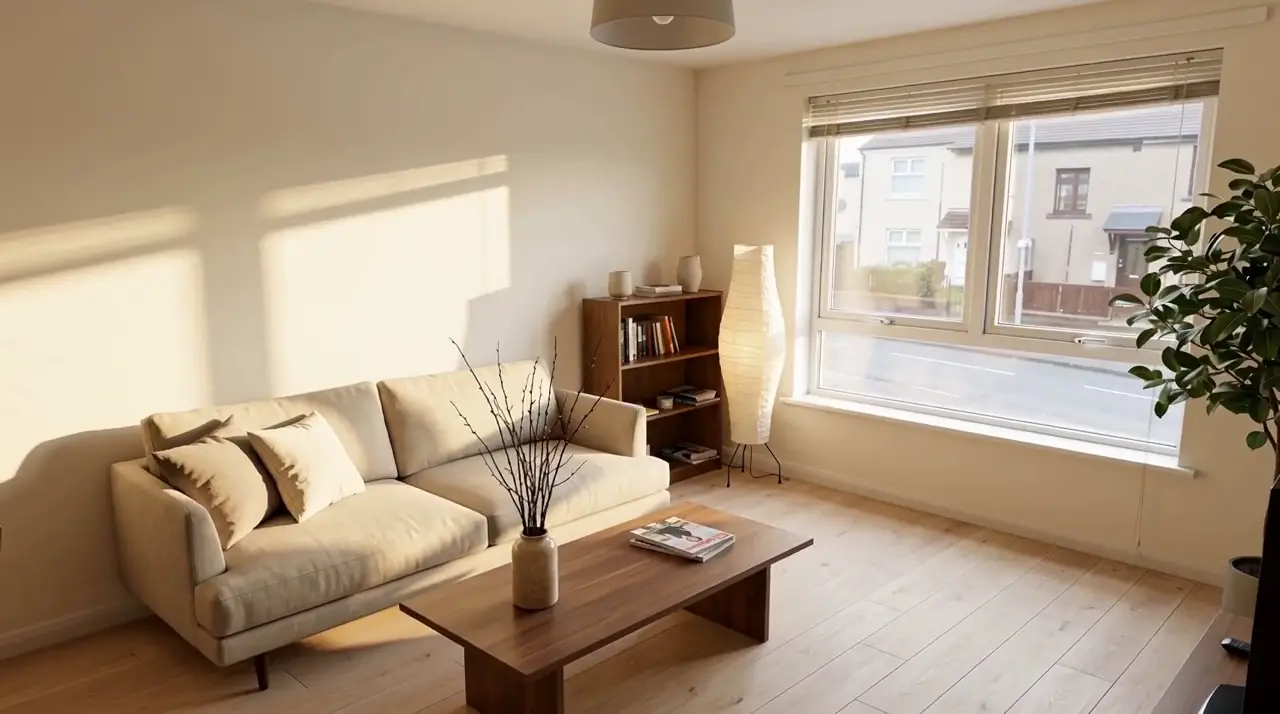 First redesign freeRedesign a roomSee a new style in your own space.
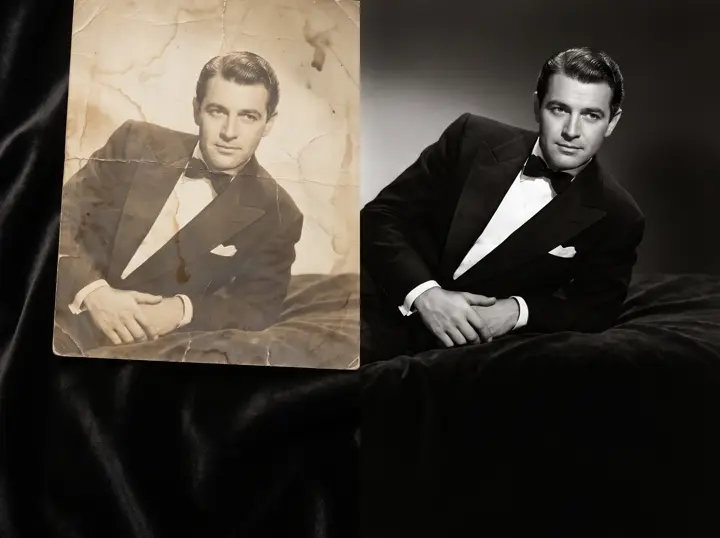 Uses creditsImprove a photoRestore, upscale and clean up a favourite.
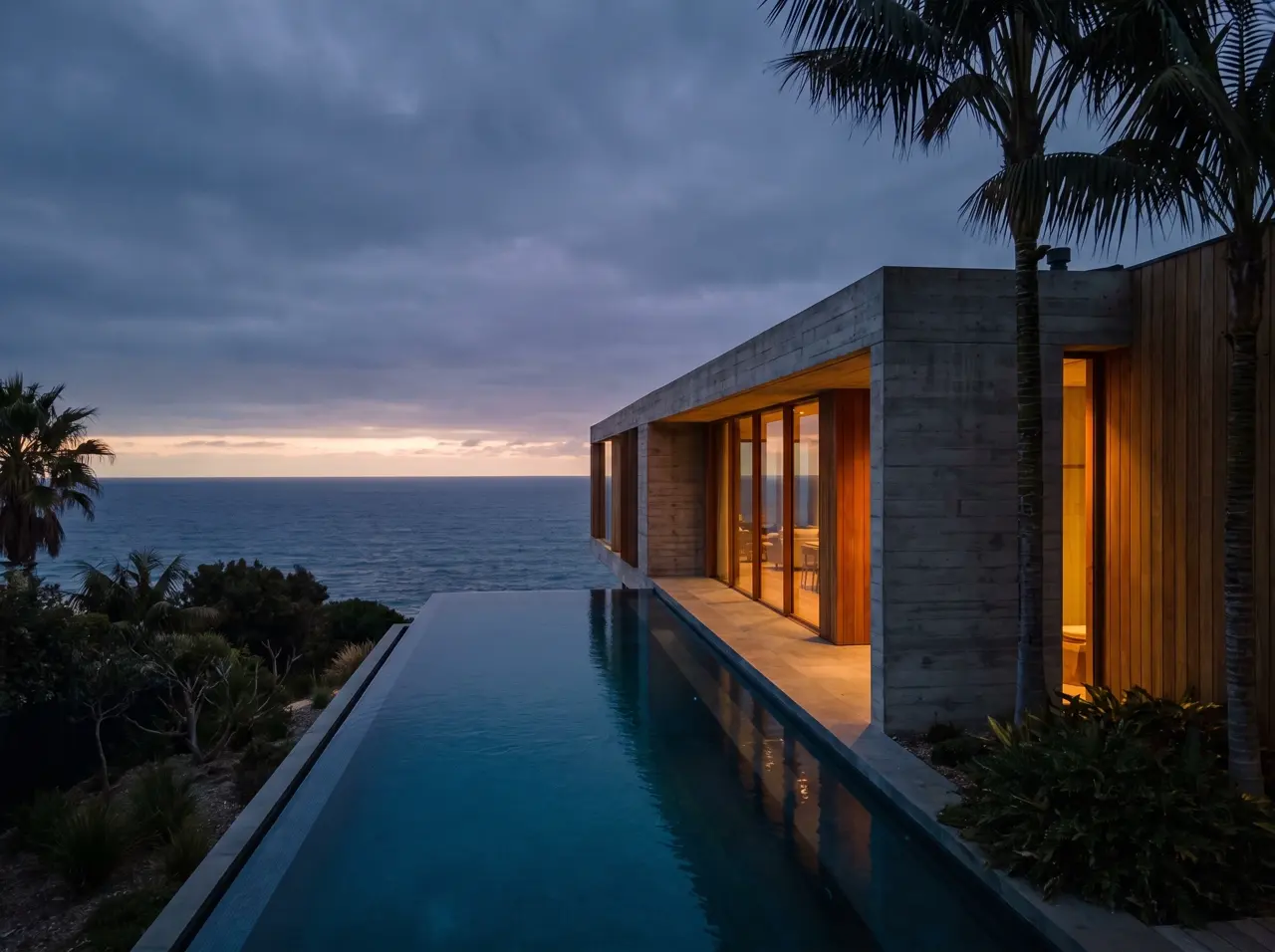 Uses creditsMake a videoTurn a still into a scene that moves.