Improve a photo
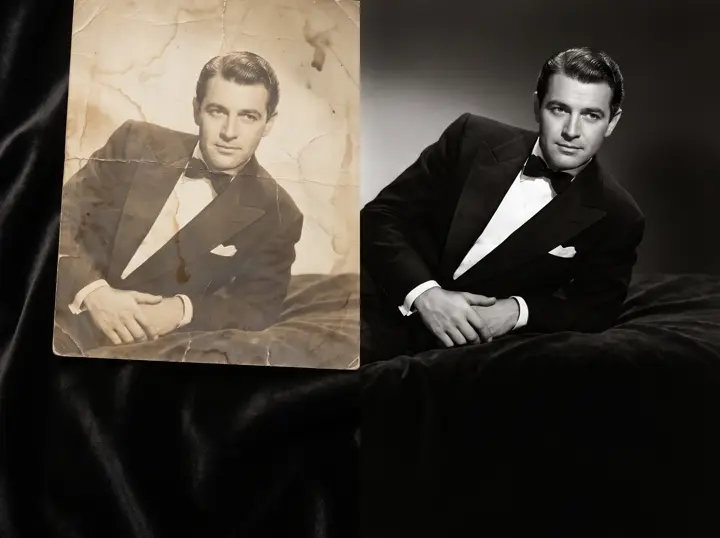 BeforeRestored
An example restoration. Load the sample photo into the tool, or use your own.
Keep the moment. Improve the image.
That small favourite. That faded family photo. That distracting background. Upscale, restore or clean up an image, then compare before you keep it.
- 1Add a photo
- 2Choose the improvement
- 3Preview and download
AI enhancements use credits. The cost is shown before you run the tool.
Sign in to create · no subscription required
One result opens up the next idea.
Start with a 2× upscale. Restoration, colour, background removal and manual adjustments stay a click away.
Keep exploring
Start with words, a photo or a 3D scene.
Choose the tool that fits your project.
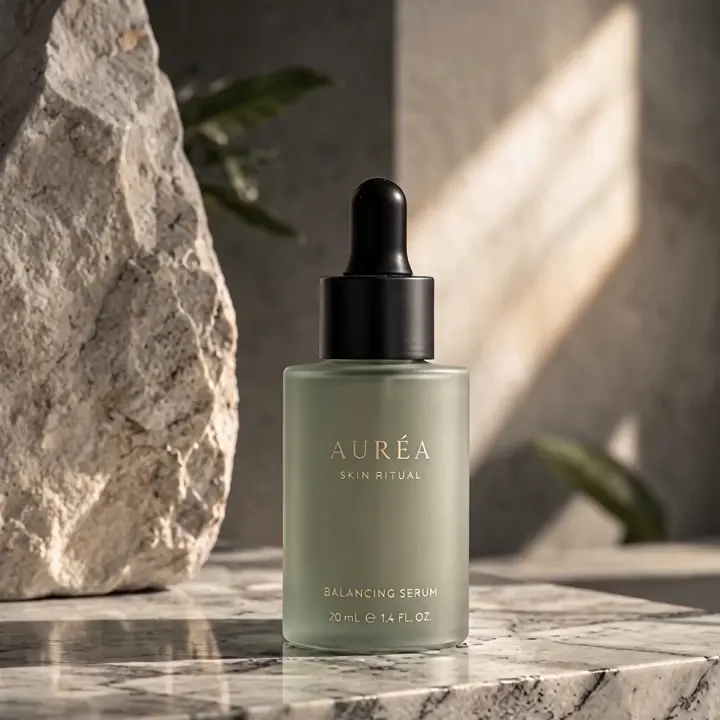 5 free images each weekCreate an imageCampaigns, concepts or something nobody has seen yet. Start with a few words.
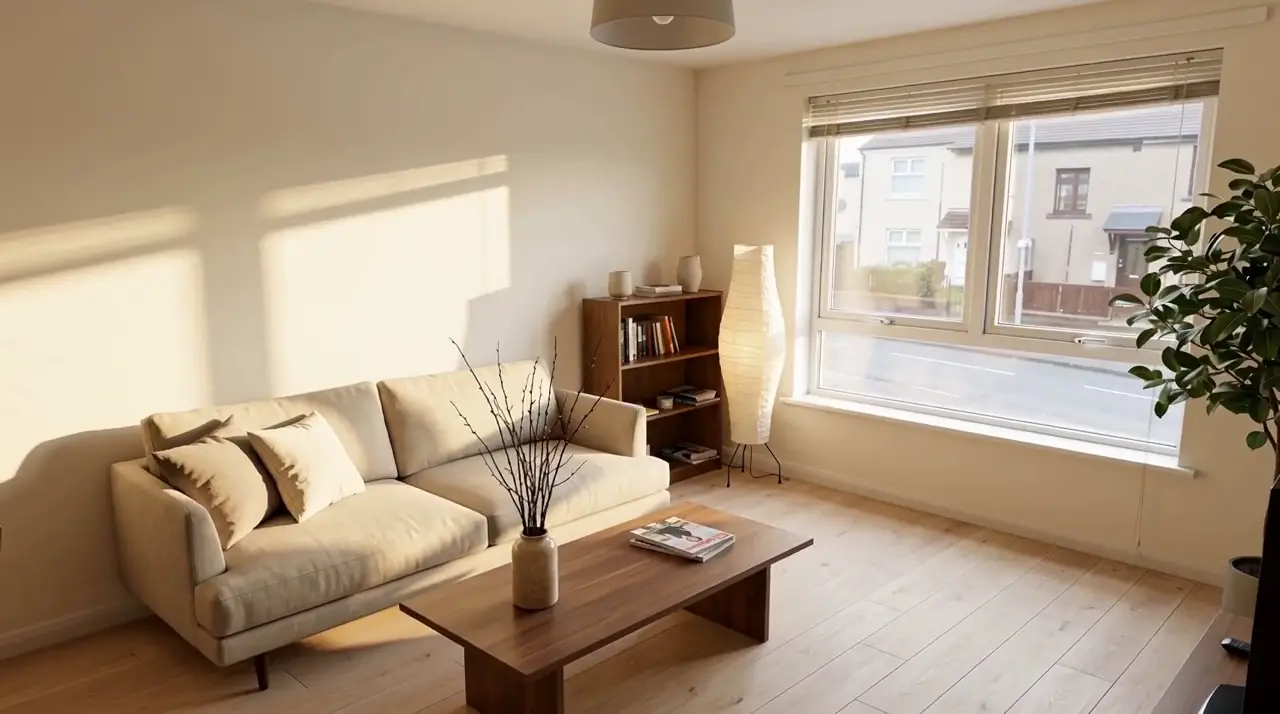 First redesign freeRedesign a roomSee a new style in your own space.
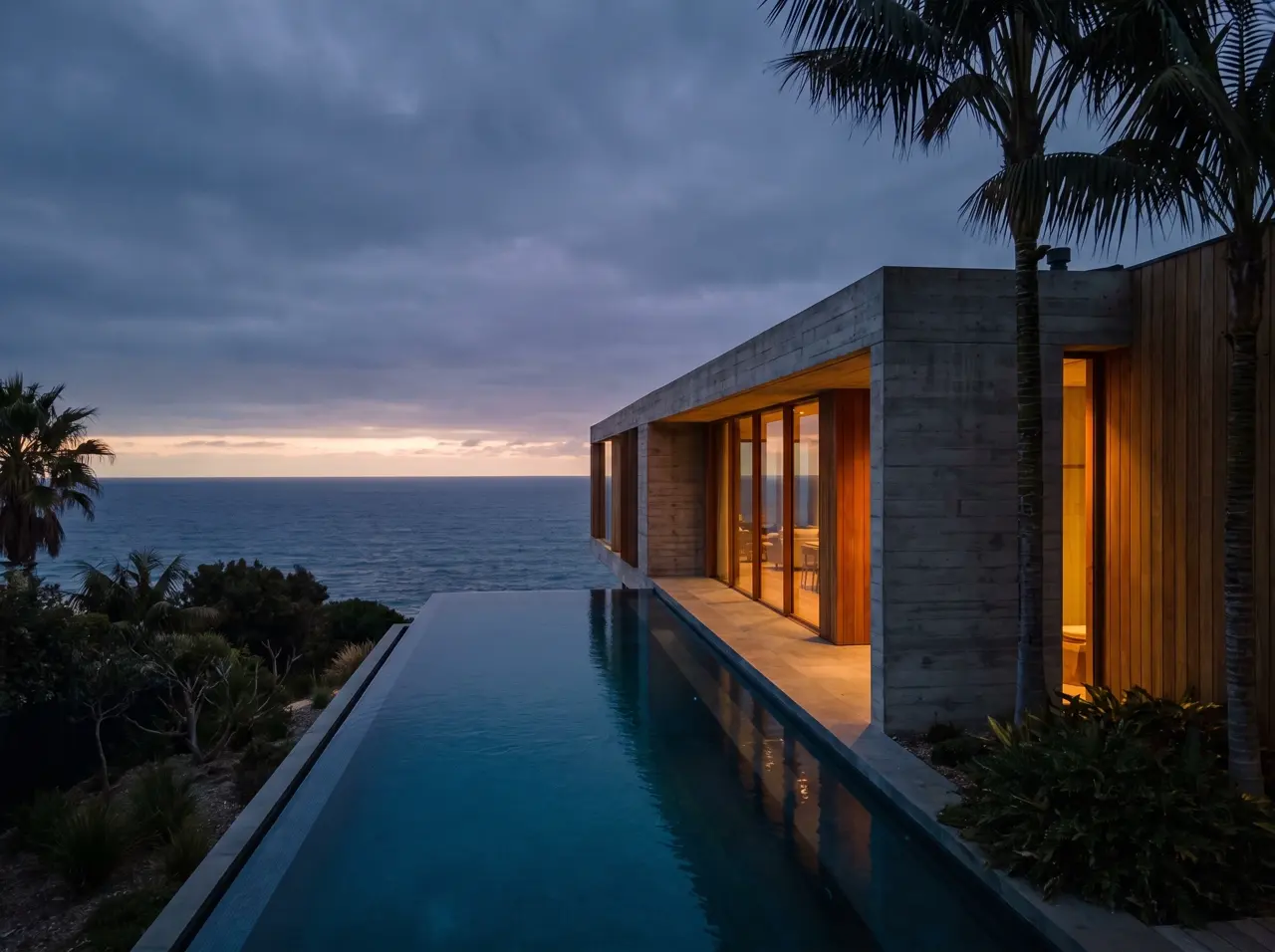 Uses creditsMake a videoTurn a still into a scene that moves.
 Explore the sample freeExplore in 3DArrange a scene. Find your angle.