Make a video
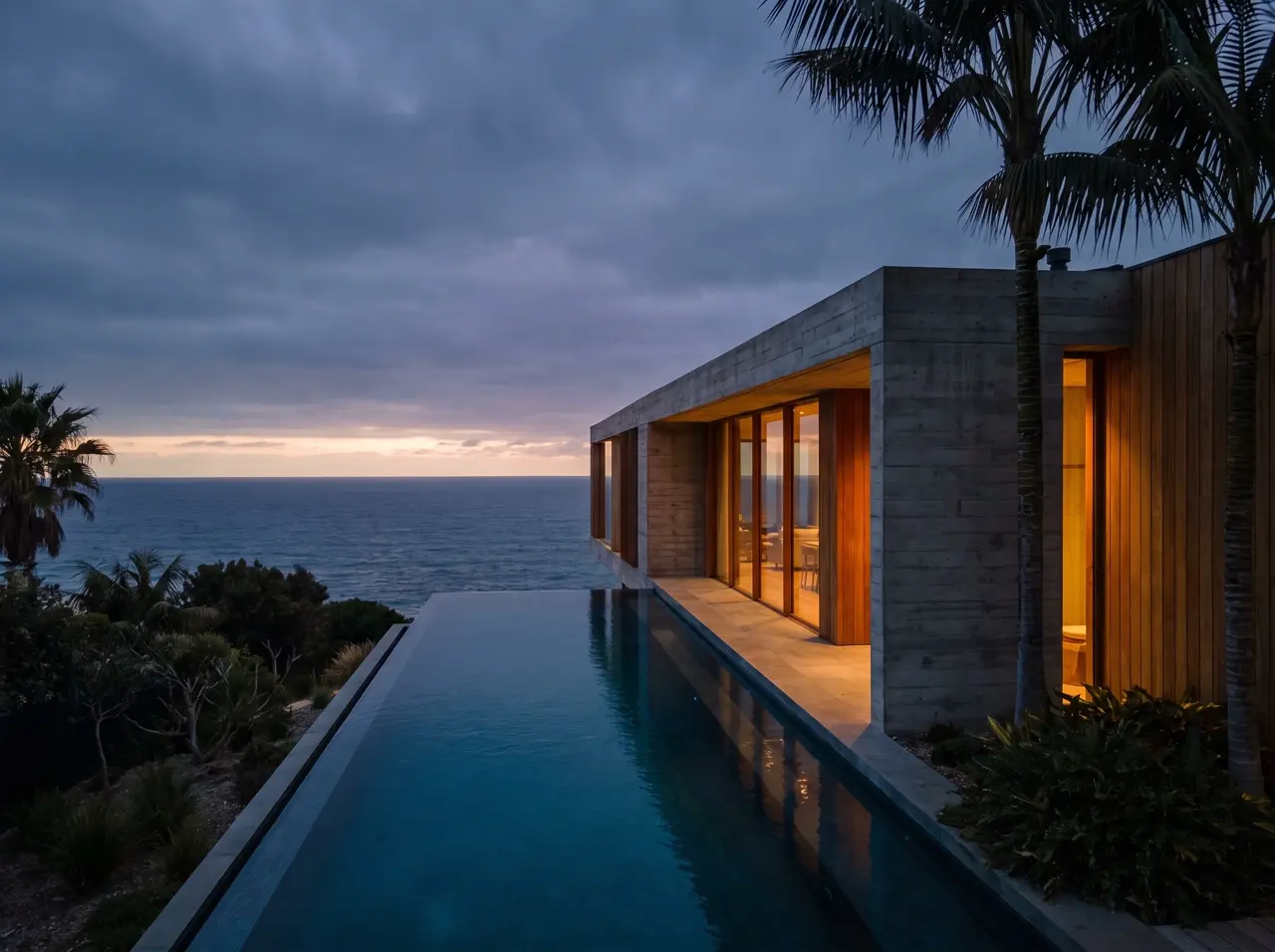
Example walkthrough. Playing this demo uses no credits.
The first frame is just the beginning.
Move the camera through a room. Let a scene unfold. Start with an image and describe what happens next, with the credit cost visible before you generate.
- 1Choose your first frame
- 2Describe the motion
- 3Generate and download a clip
Video generation uses credits. No charge until you choose Generate.
Sign in to create · no subscription required
One result opens up the next idea.
Make a single clip now, or use Cinema to plan a sequence with consistent characters and scenes.
Keep exploring
Start with words, a photo or a 3D scene.
Choose the tool that fits your project.
 5 free images each weekCreate an imageCampaigns, concepts or something nobody has seen yet. Start with a few words.
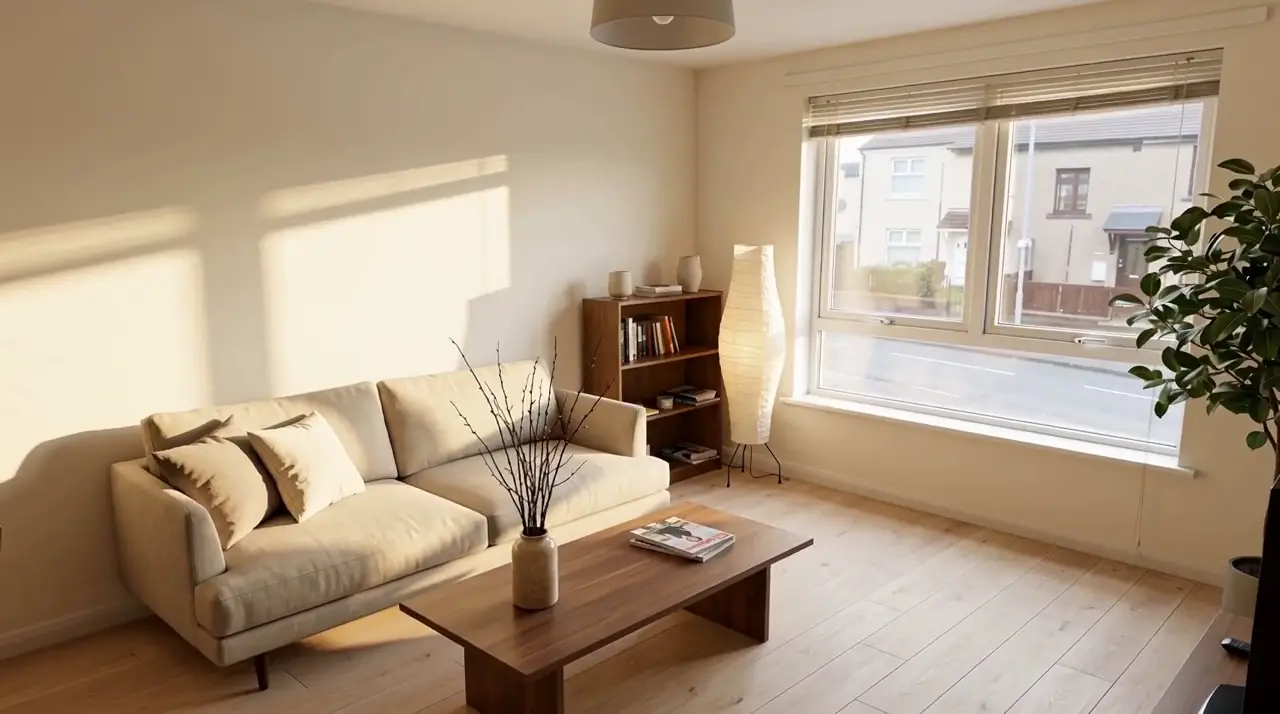 First redesign freeRedesign a roomSee a new style in your own space.
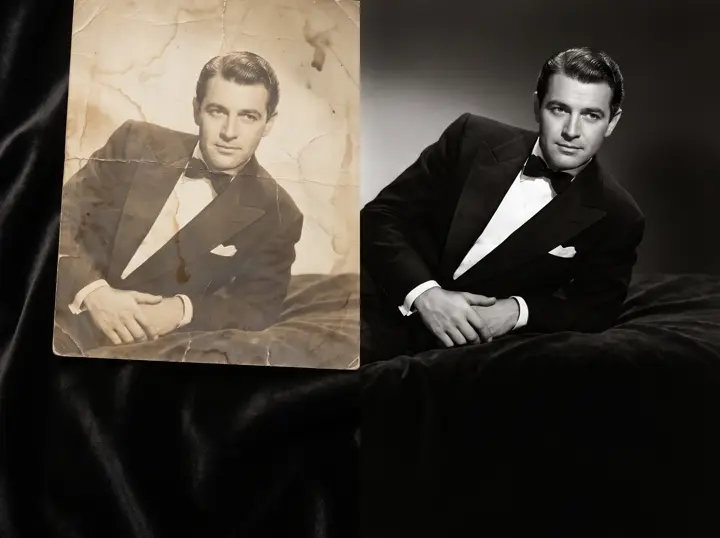 Uses creditsImprove a photoRestore, upscale and clean up a favourite.
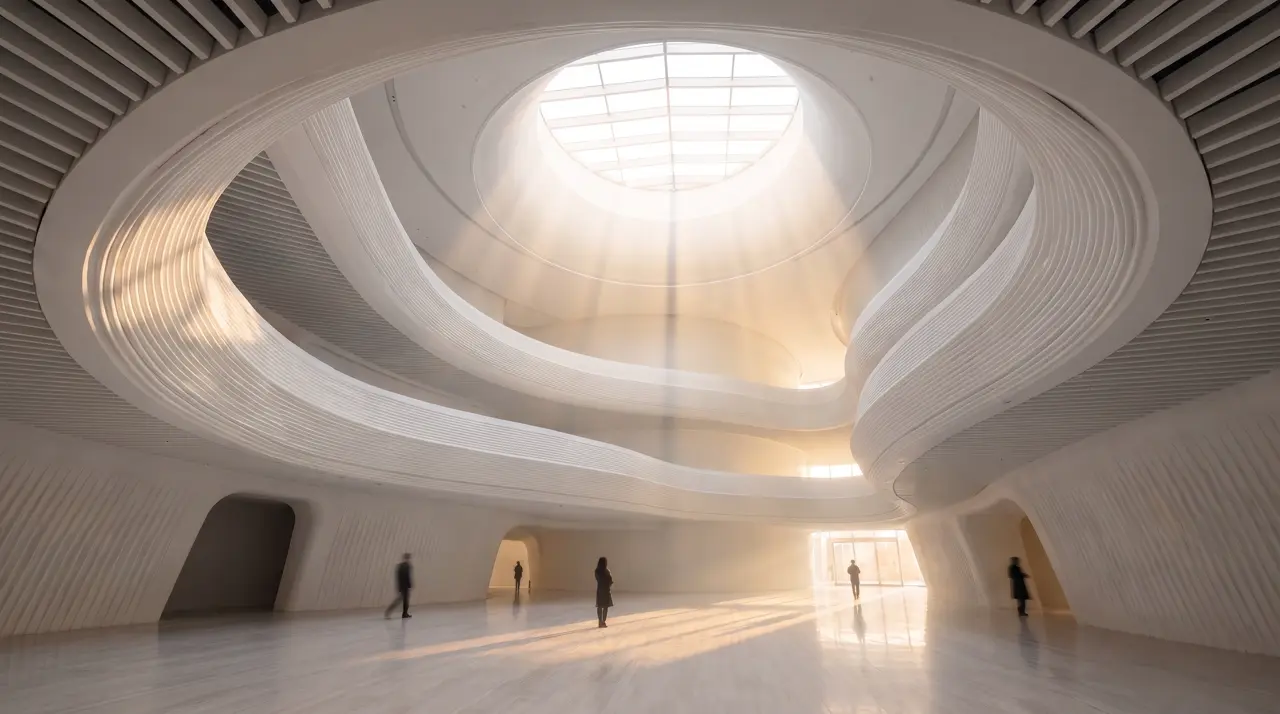 Explore the sample freeExplore in 3DArrange a scene. Find your angle.